Tell your AI assistant to set up your property.
Hotel Booking is the booking engine for your own website. Connect your AI assistant and it drafts your listing, prices and calendar. You approve, then guests book direct.
See what’s open.
Pick dates and guests, then book.
Choose dates above to see available stays.
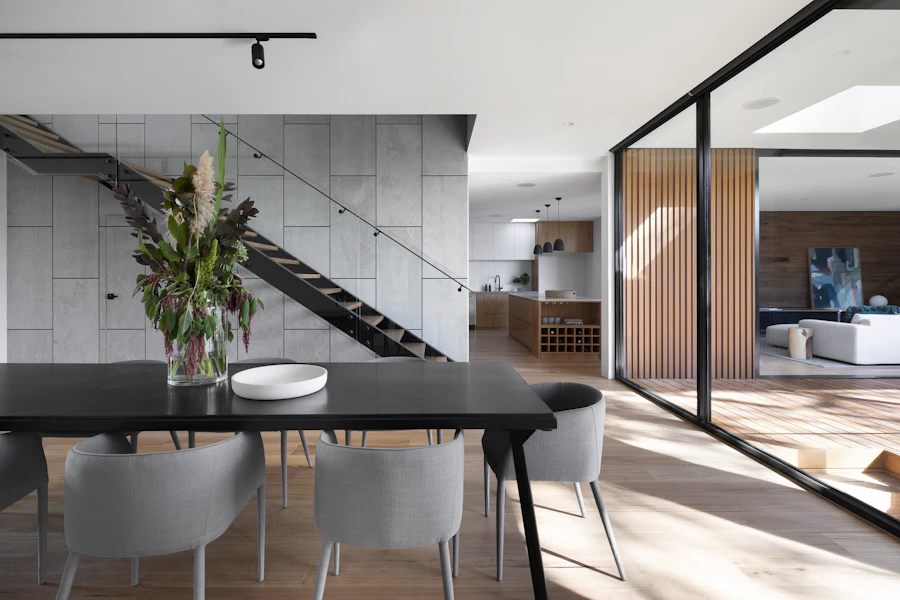


Tell your AI assistant to set up your property.
Connect your assistant once, then ask it to prepare your listing, prices and calendar. It saves everything as a draft. You review it, and only you publish.
Set up by conversation
Your assistant drafts the listing with description, rates, stay limits and cleaning fee. It then adds seasonal prices, blocked dates and calendar links.
You approve every live change
Any change to a live listing waits for you. You see a before and after view first, and you can discard it.
See every action
Every action is recorded with the connection that made it, so you always know what changed.
Connect with a web address
No script to run on your computer. Disconnect your assistant any time.
Built to protect your calendar.
Dates are held while a guest checks out, and dates that are already booked can’t be booked again.
When guests go for the same dates at once, one holds them and the others see them taken.
Unpaid holds expire. The dates are held while a guest checks out, then released if the booking isn’t completed.
Dates that overlap an existing booking are refused.
Every change to a live listing waits for you, with a before and after view.
Three stays. Book instantly on two, request a quote on one.
Open Beach House or Mountain Cabin to reserve and check out. Open City Loft to send a quote request.
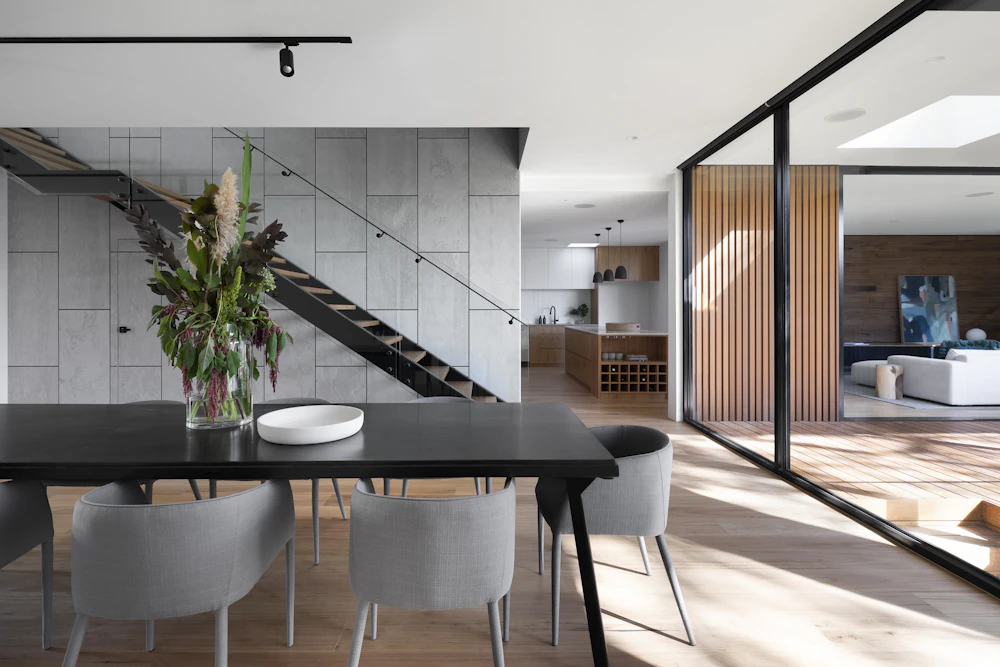


Try it as a guest.
Search, open a stay, then book instantly or request a quote.
Enter DEMO10 at checkout.
Everything you need to take direct bookings.
Search, instant booking or quote requests, seasonal pricing, deposits, extras and calendar sync, with an AI assistant to set it all up.
Date search
Guests pick dates, location and party size and see what’s open.
Search the sample stays →Multi-property catalogue
Run every property from one catalogue, with one search for guests.
See the three sample stays →Guest limits & nightly rates
Set capacity and nightly rates per stay. Guests see them on the page and in the booking widget.
See the rates on Beach House →Request a quote
Prefer to confirm each stay yourself? Guests send a quote request with their name, email and your own questions. No charge and no calendar hold until you convert it.
Request a quote for City Loft →Coupons & discounts
Offer promo codes at checkout. Try DEMO10 on a sample booking.
Try DEMO10 on Beach House →Calendar & availability
Booked and blocked dates show clearly, so guests choose faster.
See the Mountain Cabin calendar →Deposits & balance
Take a deposit when the guest books and collect the rest later, with balance-due reminders.
Start a sample booking →Extras & add-ons
Sell optional paid extras, such as an airport transfer, alongside the stay.
See the extras on Beach House →Seasonal rates
Change nightly rates by season or date range without rebuilding anything.
See seasonal rates on Mountain Cabin →Longer-stay discounts
Reward longer bookings with an automatic discount after a set number of nights.
See a price breakdown →Fees & taxes
Cleaning fees and taxes show as clear lines in the total.
See the fee lines on Beach House →Custom quote questions
Ask enquiring guests for trip details. Their answers arrive with the quote.
See the City Loft questions →Calendar sync
Import and export iCal calendar links, including Airbnb, to keep your calendars aligned.
Read about calendar sync →Booking emails
You get an email when an instant booking comes in, and you can customise the template.
Read about booking emails →Cart & checkout
Instant bookings go through cart and checkout with coupon, fee and deposit lines shown.
Start a sample booking →Map of stays
Show your properties on a map so guests can see where they are.
Open the map of stays →Connect your AI assistant
Ask it to set up your listing, prices and calendar. You approve, you publish.
See how it works →See it with your own properties.
Tell us how many stays you run and where you take bookings today. We’ll show you the setup that fits.